Walkthrough
A hiring-panel backchannel without a new Slack workspace
The panel needs a place for “we’re five minutes over” that is not the candidate-facing call. Opening Slack guests for that hour is more process than the meeting. A private QuickRoom is the smaller tool.
Sponsored offer — optional, not required to create or join a room.
Coordination only
Scorecards, equal-opportunity records, and candidate personal data belong in Greenhouse, Lever, Workday, or whatever ATS you already use. Name the QuickRoom after the slot (“Thu 14:00 panel”), not after the candidate.
Set expiry to the end of the interview day. After you hang up, copy anything that must persist into the ATS, then let the room die.
Run-of-show
- Create an Interview room fifteen minutes before the panel.
- Private or Invite Only. Put the code in the calendar invite or a 1:1 message—not in a public Slack channel.
- Use the group room for time checks. Turn on one-to-one chat only if two interviewers need a side question.
- Do not paste right-to-work documents or special-category data into the transcript.
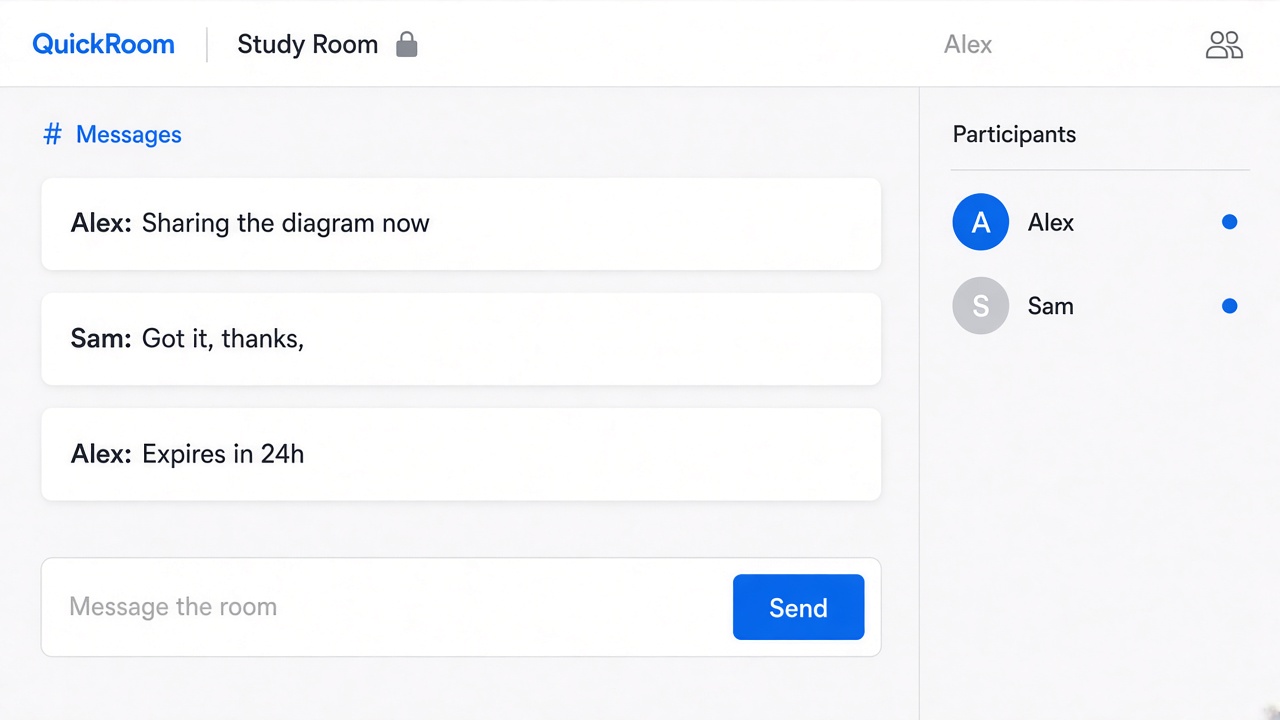
Why Slack is often the wrong room
US agency + hiring manager + skip-level panels often cannot share one Slack. UK external chairs have the same problem. A link that opens in a browser is the lowest common denominator—not a replacement for your HR file.
How to start
- Open QuickRoom and choose Create Room for a QuickRoom temporary chat.
- Pick a clear room name and an expiry that matches the real end of the work: an hour, a day, a week, or up to three months.
- Share the room code (or link/QR) with the people who need to join.
- Talk in the browser, share images if useful, then let the room expire when the moment is over.
Privacy and access
Temporary chat on QuickRoom is designed for short-lived coordination. Participants join with a room code and a nickname—no email address, phone number, or app install is required.
Treat the room code like an invitation. Share it only with the people who should be in the conversation, especially for Private or Invite Only rooms.
When the expiry you chose is reached, the room and its messages and images are cleaned up according to QuickRoom’s temporary-room lifecycle. That keeps the conversation from becoming another permanent group you never meant to keep.
Frequently asked questions
Is a QuickRoom temporary chat free to use?
Yes. Creating and joining a QuickRoom does not require a paid plan or an account for the core temporary chat experience.
Do people need to install an app?
No. Everyone joins from a modern browser with the room code and a nickname.
Do participants need phone numbers or email addresses?
No. QuickRoom uses anonymous browser identities for temporary rooms instead of permanent profiles.
How long does a room last?
You choose the expiry when you create the room. Common options include one hour, six hours, one day, one week, or three months.
Is a room code public?
Anyone who has the code can attempt to join. Share codes directly with the intended group and avoid posting them on public pages when the conversation should stay private.