Walkthrough
Run a university study group without collecting phone numbers
The WhatsApp group for “just this assignment” is still there in March. This is the setup I recommend for adult university groups who should not be harvesting numbers for a two-week lab.
Sponsored offer — optional, not required to create or join a room.
Who this is for
Adult university, college, and adult-education groups (18+). QuickRoom is not a K–12 classroom tool. If any classmate is under 18, use the school-approved LMS chat.
Keep submissions, grades, and exam materials in Canvas, Moodle, Blackboard, or the portal your faculty already named. The room is only for questions and photos of a diagram you are allowed to share.
A one-minute setup
- Create a Study room named after the module or assignment code.
- Set expiry to the deadline plus a day (24 hours or 7 days is the usual pair).
- Choose Private. Paste the code into the existing cohort Teams/Discord/Canvas thread—not onto Instagram.
- Ask for a recognisable nickname (first name is enough).
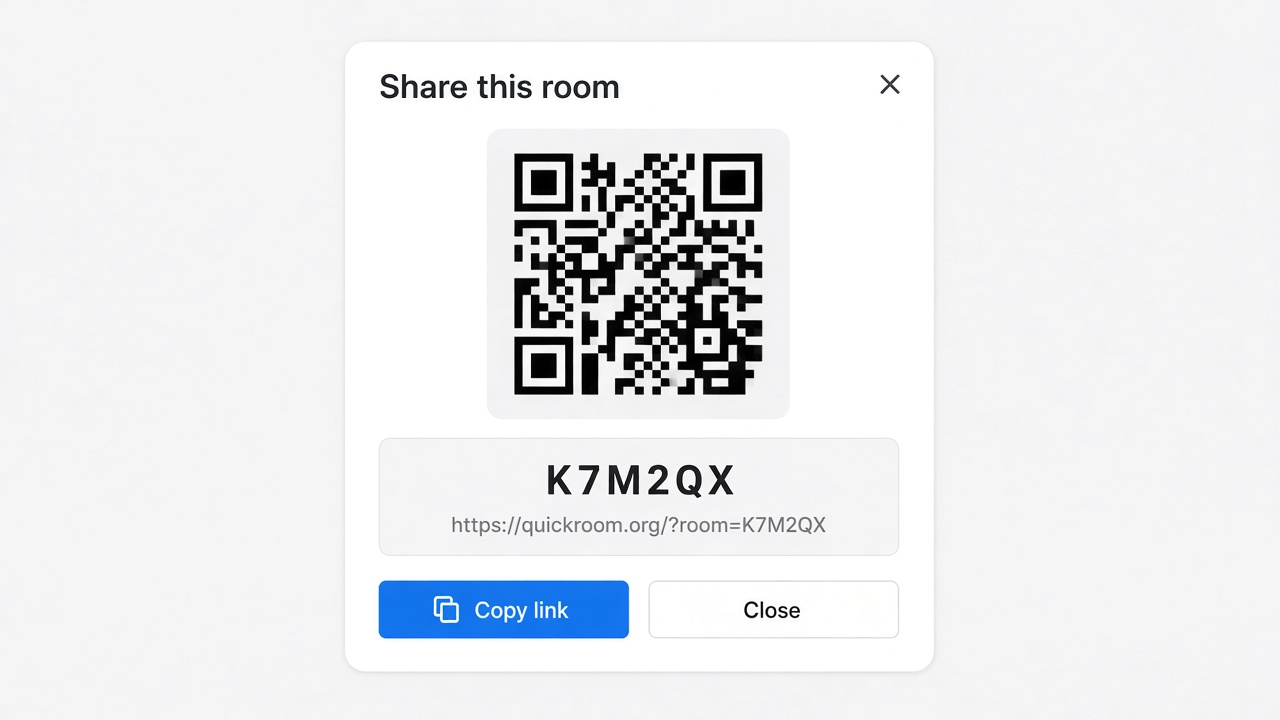
- If you meet in person, put the QR on a slide for thirty seconds.
US vs UK vs Australia, in practice
UK and Australia: the pitch is “no numbers, no leftover WhatsApp group.” US: GroupMe and iMessage split the campus; a browser link is the thing that works for both.
Do not put student IDs, unpaid invoices, or papers you are not allowed to circulate in the room.
How to start
- Open QuickRoom and choose Create Room for a QuickRoom temporary chat.
- Pick a clear room name and an expiry that matches the real end of the work: an hour, a day, a week, or up to three months.
- Share the room code (or link/QR) with the people who need to join.
- Talk in the browser, share images if useful, then let the room expire when the moment is over.
Privacy and access
Temporary chat on QuickRoom is designed for short-lived coordination. Participants join with a room code and a nickname—no email address, phone number, or app install is required.
Treat the room code like an invitation. Share it only with the people who should be in the conversation, especially for Private or Invite Only rooms.
When the expiry you chose is reached, the room and its messages and images are cleaned up according to QuickRoom’s temporary-room lifecycle. That keeps the conversation from becoming another permanent group you never meant to keep.
Frequently asked questions
Is a QuickRoom temporary chat free to use?
Yes. Creating and joining a QuickRoom does not require a paid plan or an account for the core temporary chat experience.
Do people need to install an app?
No. Everyone joins from a modern browser with the room code and a nickname.
Do participants need phone numbers or email addresses?
No. QuickRoom uses anonymous browser identities for temporary rooms instead of permanent profiles.
How long does a room last?
You choose the expiry when you create the room. Common options include one hour, six hours, one day, one week, or three months.
Is a room code public?
Anyone who has the code can attempt to join. Share codes directly with the intended group and avoid posting them on public pages when the conversation should stay private.